

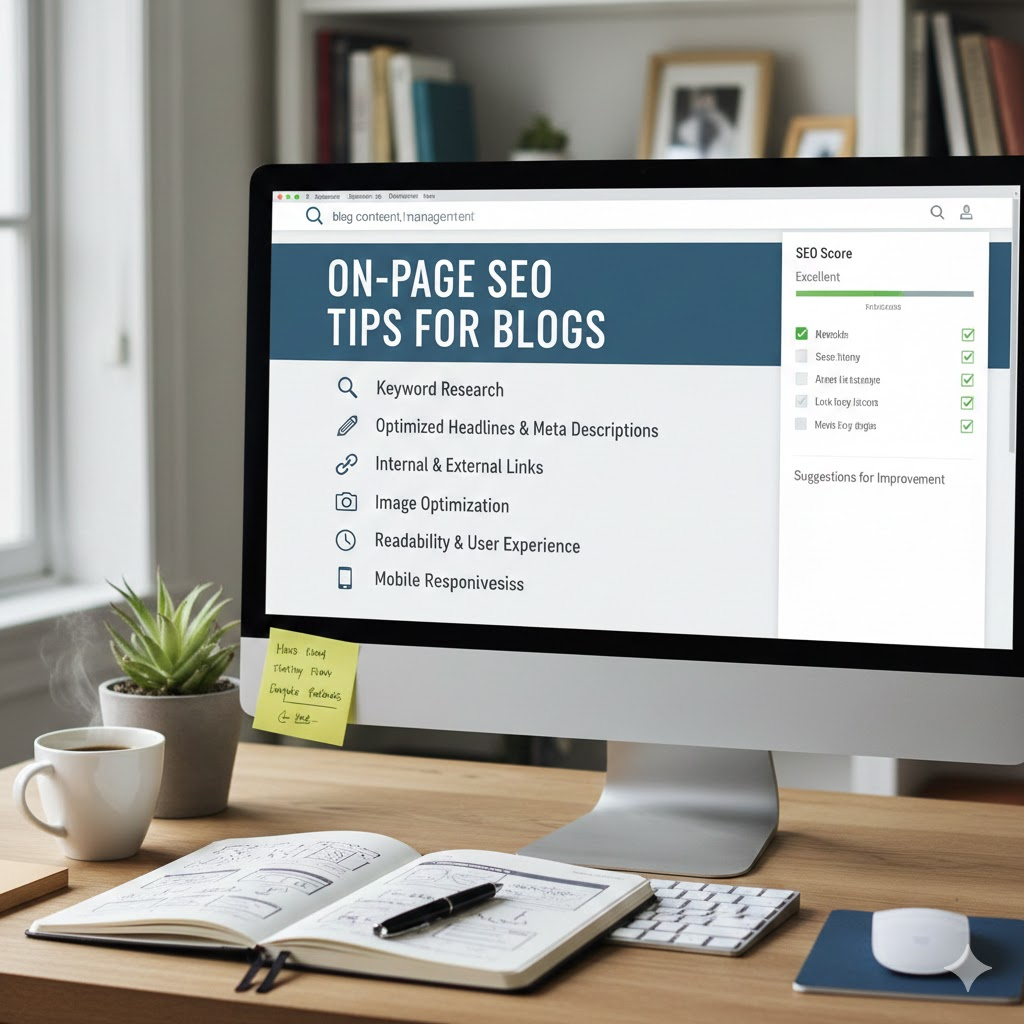
Introduction
In the ever-evolving digital landscape, optimizing your blog for search engines is essential to ensure its success. On-page SEO plays a crucial role in improving your blog’s visibility, making it easier for users and search engines to find and understand your content. Whether you’re a beginner or someone with intermediate knowledge of SEO, applying the right on-page SEO strategies can dramatically boost your blog’s performance.
On-page SEO refers to the practices you apply within your blog posts or web pages to help search engines understand the content better and rank it higher. Unlike off-page SEO, which involves factors outside your website (like backlinks), on-page SEO focuses on the elements within the page. Let’s dive into some essential on-page SEO tips for your blog that will set you on the path to greater visibility and traffic.
What is On-Page SEO?
On-page SEO refers to all the strategies that you implement directly on your website to improve its position in the search engine results. It involves optimizing content, HTML code, and site architecture to enhance the site’s relevance, usability, and overall SEO performance.
Key elements of on-page SEO include:
- Title tags
- Meta descriptions
- URL structure
- Internal linking
- Image optimization
- Keyword optimization
- Content quality
Each of these elements plays a vital role in making your blog posts more SEO-friendly, allowing search engines like Google to better crawl, index, and rank your content.
Why is On-Page SEO Important?
On-page SEO is critical for a variety of reasons, primarily because it ensures that search engines can easily understand and rank your blog. Here are some of the most important benefits:
- Improves Search Engine Rankings: Proper optimization makes it easier for search engines to crawl and index your pages, improving your chances of ranking higher for targeted keywords.
- Enhances User Experience: On-page SEO also focuses on improving site structure, loading times, and content relevance, which in turn enhances the user’s experience.
- Increases Click-Through Rate (CTR): A well-crafted title tag and meta description can lead to a higher click-through rate, which is an important factor in ranking algorithms.
- Helps with Content Visibility: Optimizing content for search engines ensures it reaches the right audience, making your blog posts more discoverable.
The benefits are clear: with the right on-page SEO strategies, you can enhance your rankings, attract more organic traffic, and keep visitors engaged with your content.
Detailed Step-by-Step Guide for On-Page SEO
1. Optimize Title Tags

Your title tag is one of the first things search engines and users see, so it must be compelling and informative. A good title tag should be:
- Unique: Each page or blog post should have a unique title.
- Keyword-Optimized: Include your main keyword near the beginning, but don’t overstuff.
- Appealing to Users: Make it intriguing and relevant to the content on the page.
- Character Length: Keep it between 50–60 characters for optimal display in search results.
Example:
Before: “Blog Post”
After: “On-Page SEO Tips for Blogs: How to Rank Higher in 2026”
2. Use SEO-Friendly Meta Descriptions
Meta descriptions are short summaries of the page’s content that appear below the title in search results. A compelling meta description can increase your CTR. Tips for writing an effective meta description:
- Keep it under 160 characters to avoid truncation.
- Include the main keyword while making it appealing to users.
- Focus on user intent and briefly explain what the blog post offers.
Example:
Before: “Learn how SEO works.”
After: “Discover top on-page SEO tips for blogs in 2026. Improve your ranking and visibility with these simple, effective strategies.”
3. Craft SEO-Friendly URLs
An SEO-friendly URL is short, descriptive, and contains your target keyword. Clean URLs help search engines and users understand your content. Avoid long, messy URLs with unnecessary characters.
For example:
- Before: “www.example.com/blog/post12345“
- After: “www.example.com/on-page-seo-tips-for-blogs“
4. Use Header Tags Correctly
Header tags (H1, H2, H3, etc.) structure your content, making it easier to read and understand. The H1 tag should always be reserved for the main title of your page, and each subsequent header (H2, H3) should organize the content into logical sections.
- H1: Use for the main title.
- H2: For subheadings that break down the main topic.
- H3 and beyond: For further subsections and details.
5. Optimize Images
Images play a huge role in the user experience, but they also impact SEO. Search engines can’t “see” images the way humans do, so optimizing images ensures they are indexed properly.
- Image Alt Text: Use descriptive alt text that includes keywords related to the image.
- File Size: Compress images to reduce load time without sacrificing quality.
- File Name: Use relevant, descriptive file names (e.g., on-page-seo-tips.jpg).
6. Focus on Content Quality
Content is at the core of on-page SEO. Search engines prioritize high-quality, relevant content that answers users’ questions. Some best practices include:
- Write for your audience: Focus on providing value to your readers.
- Keyword Placement: Naturally incorporate primary and secondary keywords throughout the content.
- Avoid Keyword Stuffing: Use keywords organically, aiming for readability.
- Content Length: Longer, in-depth content tends to rank better, but always ensure quality over quantity.
7. Internal Linking
Internal links are links that point to other pages or blog posts within your website. This helps distribute link equity across your site and encourages users to explore more content.
- Anchor Text: Use descriptive anchor text that tells users what the linked page is about.
- Link Relevance: Only link to relevant content that adds value to the user.
8. Mobile Optimization
With the rise of mobile searches, optimizing your blog for mobile devices is crucial. A mobile-friendly blog not only provides a better user experience but also impacts SEO. Ensure your blog is responsive and loads quickly on mobile devices.
Benefits of On-Page SEO
- Improved rankings in search engine results
- Better user experience with faster load times and easy navigation
- Increased organic traffic by attracting the right audience
- Higher engagement rates due to relevant, high-quality content
- Better chances for featured snippets and rich results in search engines
Disadvantages / Risks of On-Page SEO
- Time-Consuming: Optimizing each page for SEO can be time-consuming, especially for large websites.
- Requires Ongoing Effort: SEO is not a one-time task; it requires continuous updates and monitoring.
- Over-Optimization: Keyword stuffing or over-optimization can harm your rankings.
Common Mistakes to Avoid in On-Page SEO
- Ignoring Mobile Optimization: Not ensuring your site is mobile-friendly can hurt your rankings.
- Neglecting Image Optimization: Large, unoptimized images can slow down your website.
- Poor URL Structure: Long, unclear URLs can make it harder for search engines to crawl your content.
- Not Using Alt Text for Images: Failing to describe images with alt text reduces your visibility.
- Keyword Stuffing: Overusing keywords can make your content hard to read and negatively affect your SEO.
FAQs
1. How often should I update my blog for SEO?
Updating your blog regularly with fresh, valuable content is essential for maintaining good SEO rankings. Aim to update existing posts and publish new content consistently.
2. What is the ideal blog post length for SEO?
There is no fixed answer, but long-form content (1,000–2,500 words) tends to perform better in search rankings. However, focus on quality and relevance over word count.
3. Can I use the same keywords for multiple pages?
Yes, but ensure each page has a unique angle or topic. Avoid keyword cannibalization, where multiple pages target the same keyword and compete against each other.
4. How do I measure the success of on-page SEO?
Use Google Analytics and Google Search Console to monitor key metrics like traffic, bounce rate, time on page, and rankings for targeted keywords.
5. How do I optimize for voice search?
To optimize for voice search, focus on conversational keywords and include concise answers to common questions. Aim to capture featured snippets and position zero.
6. Does internal linking affect SEO?
Yes, internal linking helps search engines crawl your website more effectively and boosts the rankings of the linked pages.
Expert Tips & Bonus Points
- Use Schema Markup: Adding structured data to your pages helps search engines understand your content better and can lead to rich snippets.
- Optimize for Featured Snippets: Structure your content in a way that answers specific questions concisely, increasing your chances of appearing in featured snippets.
- Monitor Your SEO: Regularly check your on-page SEO using tools like Google Search Console, Ahrefs, or SEMrush to track performance and identify areas for improvement.
Conclusion
On-page SEO is an essential practice that can make a significant difference in your blog’s ability to rank well and attract organic traffic. By optimizing your content, titles, meta descriptions, and images, and ensuring your blog is mobile-friendly, you can dramatically improve your site’s SEO performance. Remember, SEO is an ongoing effort, so stay updated with the latest best practices and continue refining your strategy for long-term success.
